Many independent dealerships still run on paper: a stock book on the desk, a folder for each car, receipts in a drawer and invoices typed up later. It works until it doesn't. A receipt goes missing, a sale is not written up, or the one person who understands the system is away when the accountant calls. Going paperless is about having every record in one place, available when you need it, and secure.
Why should a car dealership go paperless?
Digital records do not get lost, anyone authorised can find them, and information is entered once instead of being copied between notebooks, spreadsheets and invoices. That means fewer mistakes, faster answers for customers and an easier VAT return and year-end. It also fits how HMRC already expects VAT-registered businesses to keep records.
- Nothing gets lost. A photo of a receipt taken on the day is safer than paper in a pocket.
- Anyone can find anything. Staff can look up a car's costs or sale without hunting through folders.
- Easier VAT and year-end. Your accountant gets accurate figures sooner.
- It fits Making Tax Digital. VAT-registered businesses need to keep digital records and file VAT returns with compatible software. GOV.UK's Making Tax Digital for VAT collection has the details.
How do you go paperless at a car dealership?
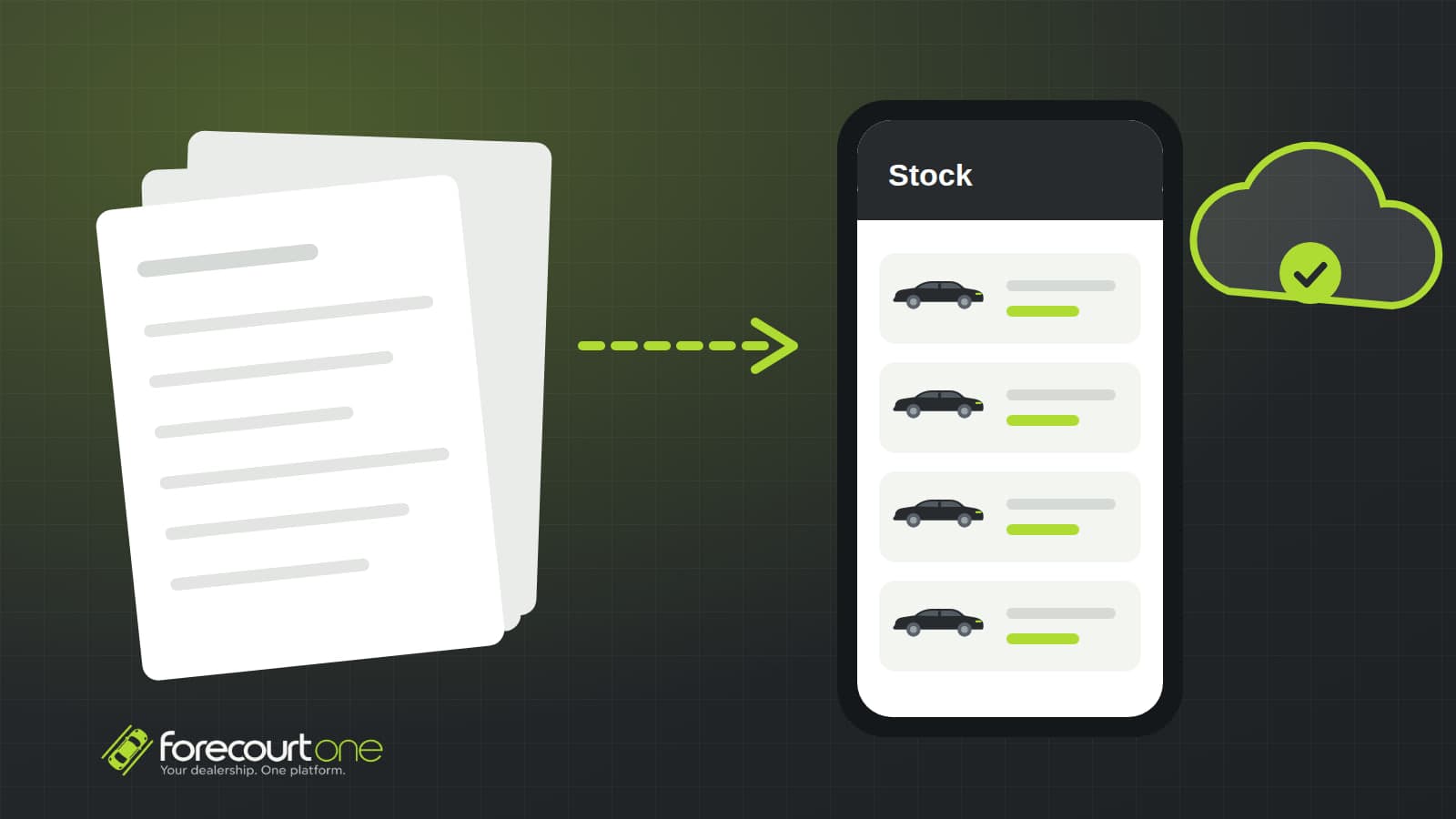
Choose one system for stock, costs and sales. Add your current cars, then put every new purchase in on the day it arrives. Photograph receipts and attach them as you go, produce invoices from the same records, keep vehicle checks with each car, and switch over gradually from a set date.
Step 1: choose one home for your records
The biggest gain comes from one place where stock, costs and sales live. If records are split between a spreadsheet, an accounting package, a paper stock book and a box of receipts, you have added places to look rather than gone paperless. Choose a system that handles the everyday jobs: adding a car, recording what you spend on it, producing a sale invoice and seeing what you made.
Step 2: start with stock
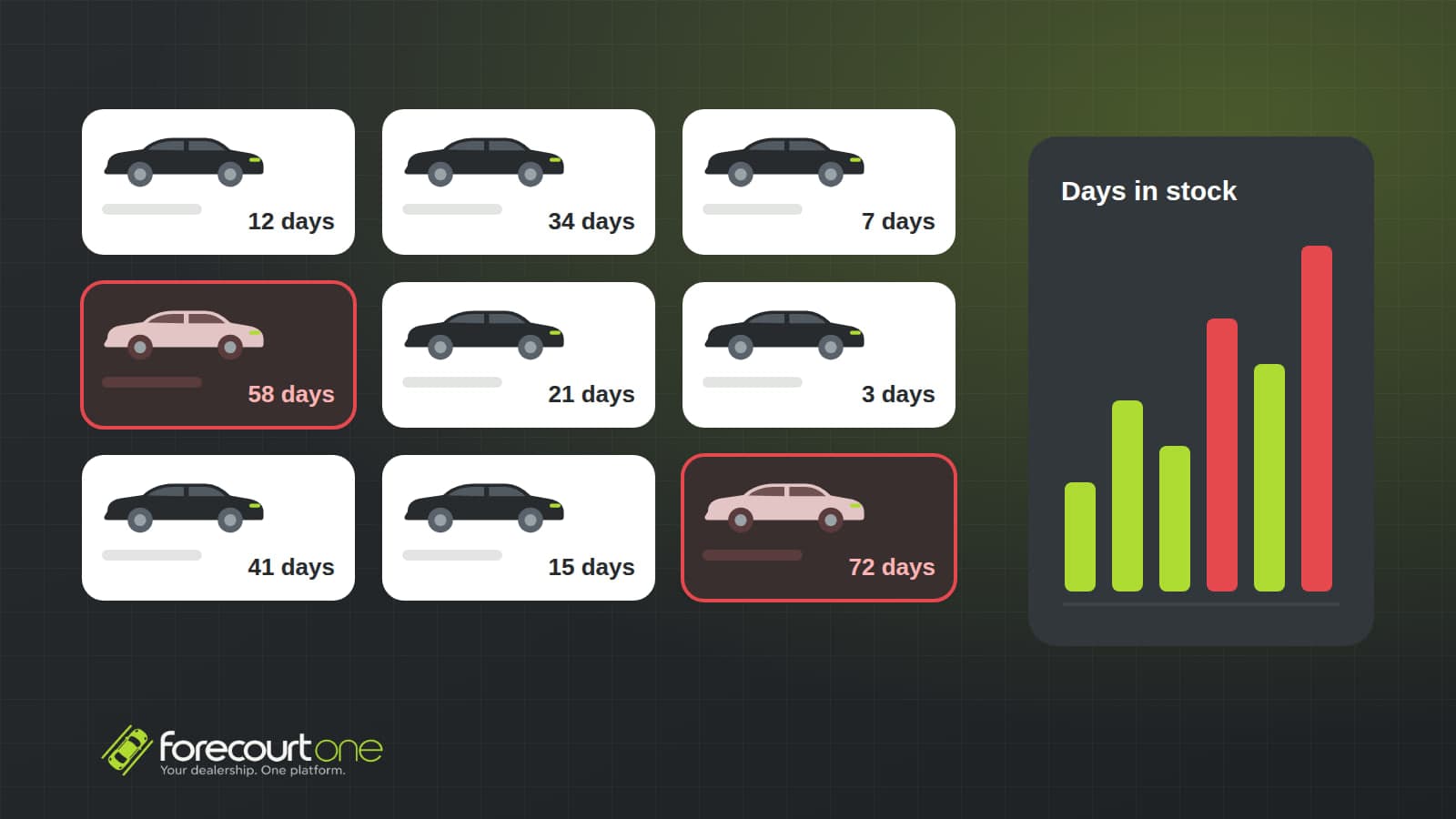
Add each car you have now with its purchase date, price, seller and costs so far. Looking a car up by registration saves typing and avoids mistakes, and captures the MOT history at the same time, as explained in how to check an MOT history. Our guide to used car stock management covers what a good stock book holds.
Step 3: capture costs as they happen
Receipts are where paper systems usually fail. Photograph every receipt and invoice, for parts, repairs, transport and valeting, and attach it to the car straight away. Do the same for overheads such as rent, insurance and utilities.
Step 4: produce invoices digitally
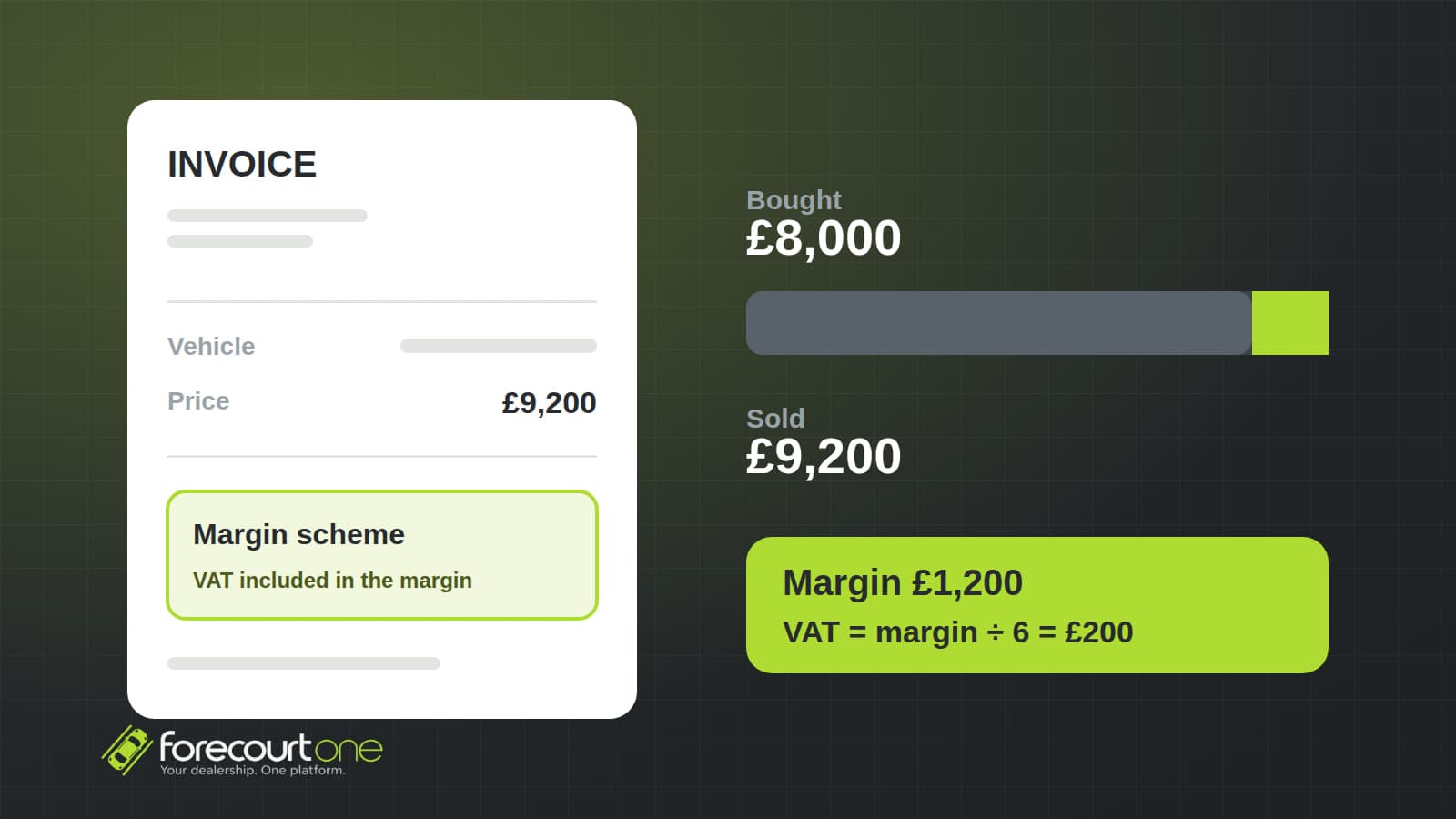
Create sale invoices from the record that holds the car's purchase and costs, so details match, numbers run in order and you can email a copy. If you use the VAT margin scheme, make sure invoices follow the rules in our VAT margin scheme guide, and check with your accountant.
Step 5: keep vehicle checks with the car
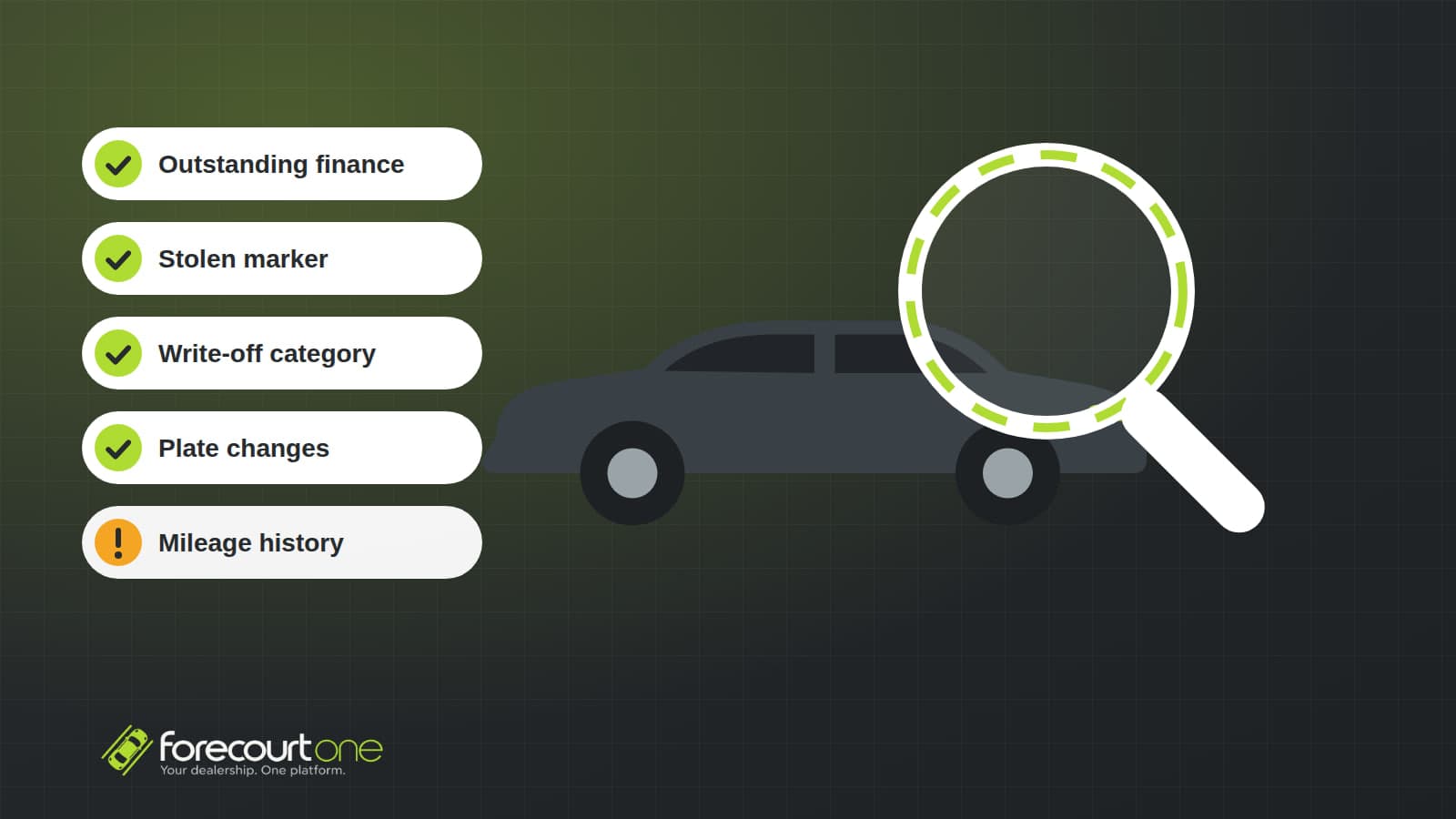
Store MOT histories and vehicle history check results against each car. If anyone later asks what you checked before you bought it, the answer is in one place. Keep DVLA paperwork up to date too: GOV.UK explains what to tell DVLA when you buy or sell a vehicle.
Do you have to keep paper copies of receipts?
Often a clear digital copy is enough, but the rules depend on the record. HMRC's record keeping for VAT (Notice 700/21) explains what VAT records must contain and says they should generally be kept for at least 6 years. Check with your accountant before throwing any originals away, especially for older or unusual documents.
How do you keep dealership data secure?
Give each person their own login with access to only what they need, and never share passwords. Use long passphrases, keep only the customer information you need, and check how your system backs up data. Follow the ICO's guidance on personal data and the NCSC's advice for small organisations.
- Control access. Give each person their own login with access to what they need, and never share passwords.
- Use strong passwords. Long passphrases are easier to remember and harder to guess. The NCSC's small organisations guide is a good starting point.
- Protect customer information. You hold personal details for buyers and sellers. Keep only what you need and keep it secure, in line with the ICO's guidance for small organisations.
- Check the backups. If you use an online system, ask how your data is backed up.
How long does it take to switch?
Most of the work is in the first couple of weeks. Pick a start date and record every new car, cost and sale digitally from then on. Add your current stock over the first week or two, keep old paper records stored safely, and review after a month to catch anything still on paper.
You do not need to scan years of old paperwork on day one:
- Start every new car, cost and sale digitally from a set date.
- Add your current stock over the first week or two.
- Keep older paper records safely stored for as long as you need them.
- Review after a month and tidy up anything still done on paper.
How Forecourt One helps
Forecourt One brings the paper-heavy parts of a dealership into one place. Add cars by registration or by photographing the number plate, with the MOT history pulled in automatically. Record costs against each car, upload cost invoices and receipts, produce sale invoices and see per-vehicle profit. Pro and Enterprise add company bills, profit and loss, and graphs, and Enterprise adds role permissions for larger teams. Walk through it in the interactive demo or see what each package includes.
To see how it would work for your dealership, start a free 14-day trial or book a demo.
Questions
Do I have to keep paper copies of receipts?
In many cases a clear digital copy is acceptable, but the rules vary depending on the record. Check with your accountant before you throw any originals away.
Do car dealers need to follow Making Tax Digital?
VAT-registered businesses need to keep digital records and submit VAT returns using compatible software. Rules for Income Tax are being phased in, so check what applies to you on GOV.UK or with your accountant.
How long should I keep dealership records?
HMRC says VAT records should generally be kept for at least 6 years. Other business records have their own rules, so check the exact periods for your business with your accountant.
Is it hard to move a small dealership onto software?
It doesn't have to be. Start with new cars and costs from a set date, then add your current stock over a week or two.